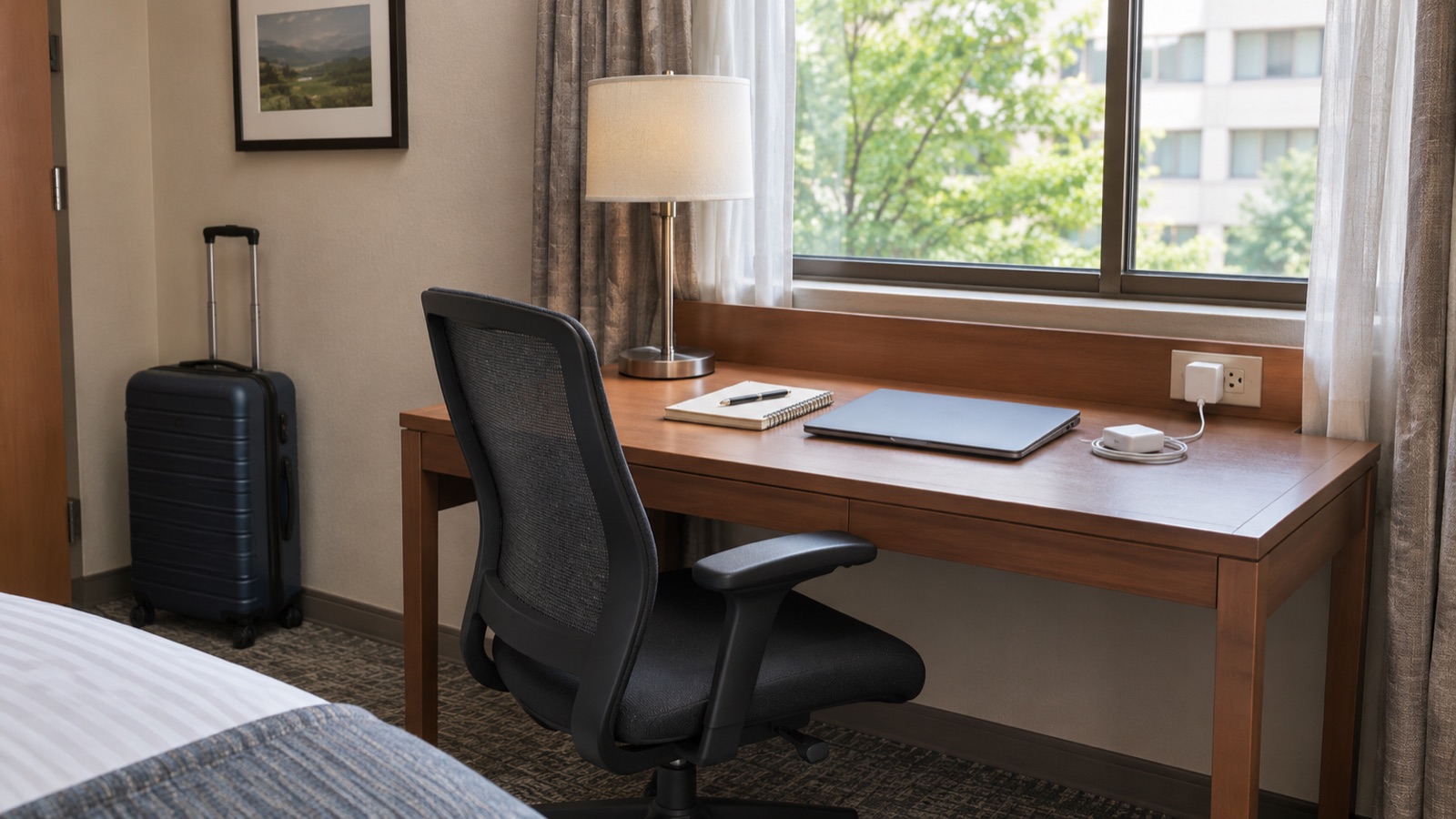

The best hotel for remote work is the one whose room, connection, schedule and work setup fit the calls and tasks on your calendar. Before booking, ask the property about the exact room’s desk, chair, power outlets, internet details, noise conditions and access hours. Keep a backup workspace for work that cannot be interrupted.
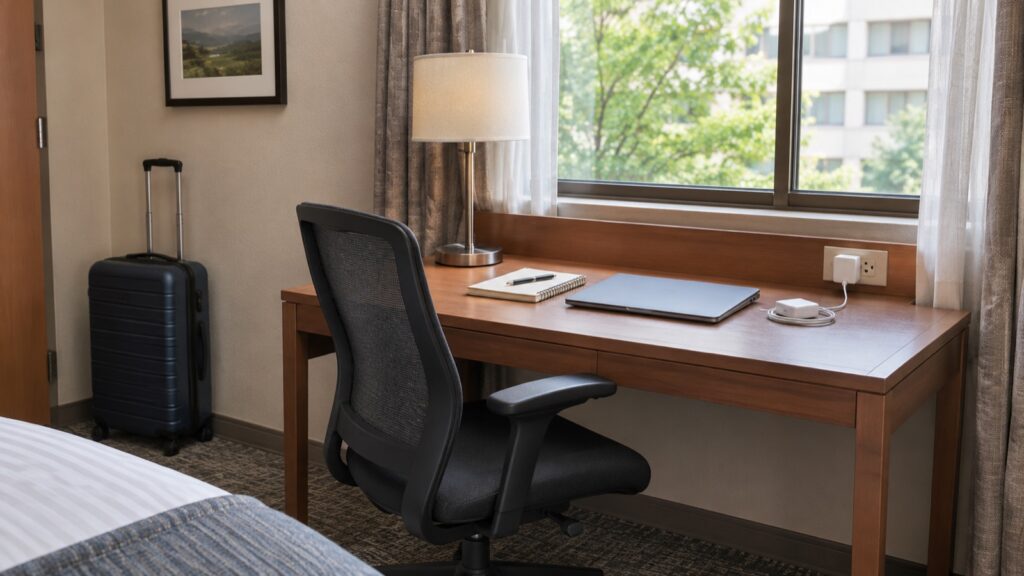
Start with the workday you need to support
Write down the work you expect to do at the hotel. A day of email and writing needs a different setup from a day of client calls, large uploads or a shared screen. List your fixed appointments, the longest focus block, and any work that must be done at a specific time.
Then compare the hotel against that list. A desk photo alone tells you little about its height, chair, lighting or outlet position. A “business lounge” may have limited opening hours or may require a reservation. Ask about the exact room and facilities you plan to use.
Hotel amenities to check before booking
| Work need | What to ask the property | Useful evidence | Backup to consider |
|---|---|---|---|
| Video calls | Is the connection available in the room I’m booking? How was it checked, and when? Are video calls allowed in shared work areas? | A recent check for the relevant room or floor, plus the property’s written answer | A local SIM or hotspot, coworking day pass, or rescheduling non-critical calls |
| Long writing sessions | Does the room have a full desk and a chair intended for desk work? Can you share a photo of the exact room type? | Current room photos and written confirmation of the room category | A nearby coworking desk or a portable laptop stand if you already travel with one |
| Calls needing privacy | Is there a private room or bookable workspace? Are there rules about calls in the lounge? | Published facility hours and booking conditions | A private room or a coworking space with bookable call rooms |
| Charging devices | Where are the outlets in the room and workspace? Is an adapter required? | Room layout or a direct answer from reception | A compact travel adapter and charger you already own |
| Early or late work | When can guests enter the workspace, and does access depend on reception hours? | Written hours for the dates of your stay | A room setup that works at any hour or a nearby alternative |
| Changing travel plans | What are the cancellation and change terms for this rate? | The exact rate conditions before payment | A flexible booking or a second workspace option |
Use the table to focus on features that affect your work. Compare each listed amenity with the tasks on your calendar.
Check the room as well as the amenity label
Hotels use words such as “workspace,” “desk,” “business centre” and “coworking area” to describe different facilities. Confirm what each label means at the property:
- In-room desk: ask for the dimensions if you need space for more than a laptop. Confirm the chair, lamp and outlets are in the room category you selected.
- Lobby or lounge: ask whether guests may work there, whether calls are allowed and when the area is open. A shared seating area may suit a short email session and still be a poor place for a confidential call.
- Business centre: ask whether it is an open room, a set of desks or a bookable meeting space. Check the current hours, reservation steps and any separate charge.
- Coworking room: ask whether hotel guests can enter throughout the day, whether a booking is required and what rules apply to calls. Confirm whether access is included in your rate.
Save the hotel’s reply with your reservation details. If the room type or dates change, confirm the amenity again before relying on the earlier answer.
Ask specific questions about internet access
“Is the Wi-Fi good?” is too broad to answer a work need. Ask for details that relate to your task:
- Is the connection available in the room category I booked, or only in public areas?
- When was the connection last checked, and in which room or area?
- Does the property have separate networks for guests and staff?
- Is there an Ethernet connection or a second network if the main service stops?
- Can staff tell you whether calls or large uploads are permitted in the room or lounge?
Treat a posted speed figure as one measurement; results can vary by room and time of day. If you need a reliable session, ask whether the result refers to your exact area and test your own equipment soon after arrival. Keep a mobile connection or nearby workspace in reserve for important work.
Check noise, light and privacy for your own tasks
Hotels rarely measure room noise in a way that predicts your workday. Ask where the room sits in the building, whether it faces a street or an internal area, and whether construction or events are scheduled during your stay. Reviews can point to questions worth asking; they describe someone else’s dates, room and expectations.
For a video call, check whether the room has a door that closes and whether the background is suitable for a meeting. For concentrated work, look for a desk near a lamp and away from a television or high-traffic entrance. If accessible routes or equipment matter to you, ask the property directly about the exact room and facilities you will use.
Confirm timing, location and extra costs
Work access depends on more than the room itself. Check arrival and departure times against your work schedule. Ask when you can enter a lounge or business centre, whether luggage storage is available before check-in, and whether late checkout has a charge.
Map the route between the property and any alternative workspace before you book. Check expected travel time at the hour you would go, alongside the map distance. Compare the final hotel price with taxes, workspace fees, transport and any day-pass cost. The cheapest nightly rate may require more paid work elsewhere; a higher rate may include a setup you can verify.
Review cancellation terms beside the work requirements. If a property cannot confirm a feature your schedule depends on, choose a room with clearer evidence or keep a backup booking option.
Message template for a hotel
Send a short note before booking or shortly after you reserve:
I’m considering room type [name] for [dates]. I plan to work from the room and have [number] video calls on [days/times]. Could you confirm whether this room has a full desk, desk chair and nearby power outlets? Is Wi-Fi available in this room type, and do you have a recent connection check for the room or floor? Please also confirm workspace access hours, call rules in shared areas and the cancellation terms for this rate.
Replace the bracketed parts with your actual needs. Save the written answer with your booking. If a call or access requirement remains unclear, ask the property to clarify it before paying a non-refundable rate.
A quick booking checklist
- My room type includes a desk and chair that suit the work I have planned.
- The property has confirmed internet access in the area I will use.
- Workspace hours match my calendar, including arrival and departure days.
- I know which spaces permit calls and where privacy is available.
- The final price includes the workspace features I need, or I have added their cost.
- I have a backup connection or nearby workspace for a critical deadline.
- I have read the rate’s change and cancellation terms.
For a destination-specific example of comparing places to work, see our Canggu coworking guide. If your trip combines several workdays and destinations, see our guide to working as a digital nomad as well.
Frequently asked questions
What amenities should I look for in a hotel for remote work?
Start with the desk, chair, power outlets and internet access in the exact room category. Then check workspace hours, call rules, privacy and the cost of any extra facility you need.
Can a hotel’s Wi-Fi speed guarantee a good video call?
A posted speed is one measurement; connection performance can vary by room and hour. Ask where and when it was checked, then test your own connection after arrival and keep a mobile backup for important calls.
Is a hotel business centre the same as coworking space?
The labels vary by property. A business centre might be a few desks, a shared room or a bookable meeting facility. Ask about access, hours, reservations, charges and call rules before relying on it.
Should I pay more for a hotel with a workspace?
Compare the total stay price with the work features you can confirm, the cost of nearby alternatives and your schedule. A higher rate is useful when it includes a setup you will use and can verify before booking.
What should I do if the hotel cannot confirm its work amenities?
Choose a room or property with clearer information, or arrange a nearby workspace and connection backup before the trip. Keep the booking terms in mind if you need the option to change plans.
If a work-ready hotel is your first week option, continue with this guide to finding long-term accommodation as a digital nomad.